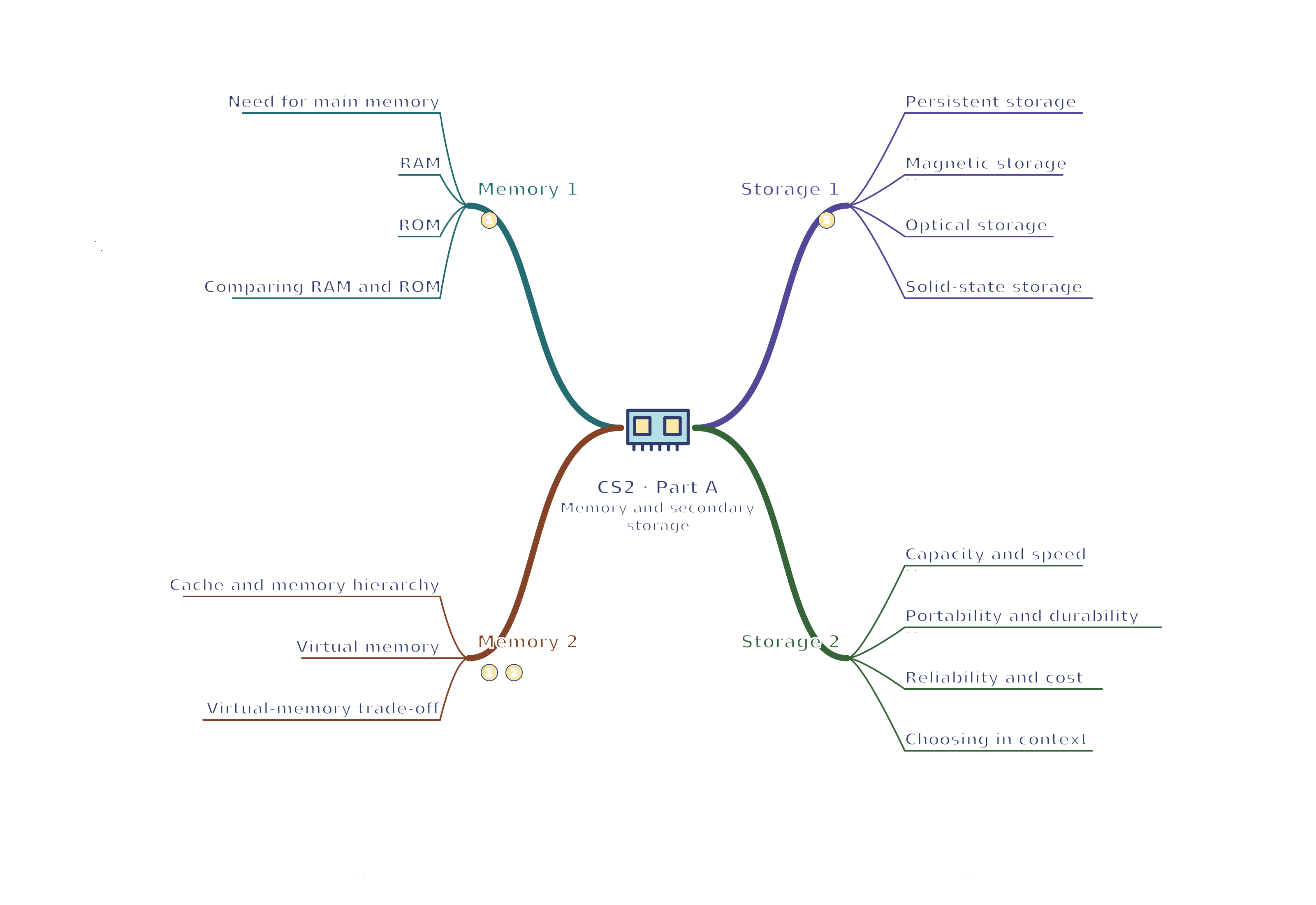
CS2 · Memory 1 / Memory 2 / Storage 1 / Storage 2 Memory and secondary storage mind map
Use your browser’s Print command for A4 landscape, or choose A3 in its paper settings. The SVG remains sharp when enlarged. A text version follows the map.
Read the mind map as text
Memory 1
Need for main memory: Hold programs and data during processing
RAM: Volatile read-write working memory
ROM: Non-volatile instructions available at startup
Comparing RAM and ROM: Volatility and purpose distinguish them
Memory 2
Cache and memory hierarchy: Faster smaller stores reduce waiting
Virtual memory: Secondary storage temporarily supports full RAM
Virtual-memory trade-off: Frequent transfers can slow the system
Storage 1
Persistent storage: Keep files and software when power is off
Magnetic storage: Magnetised regions represent data
Optical storage: Laser reading of an optical medium
Solid-state storage: Electronic storage without moving parts
Storage 2
Capacity and speed: Match storage to the amount and use of data
Portability and durability: Movement and damage are different considerations
Reliability and cost: Failure risk and budget matter together
Choosing in context: Justify the medium using several criteria
Connections
Memory 1 → Memory 2: Limited working RAM can require slower virtual-memory transfers.
Memory 2 → Storage 1: Virtual memory uses persistent storage without turning it into physical RAM.