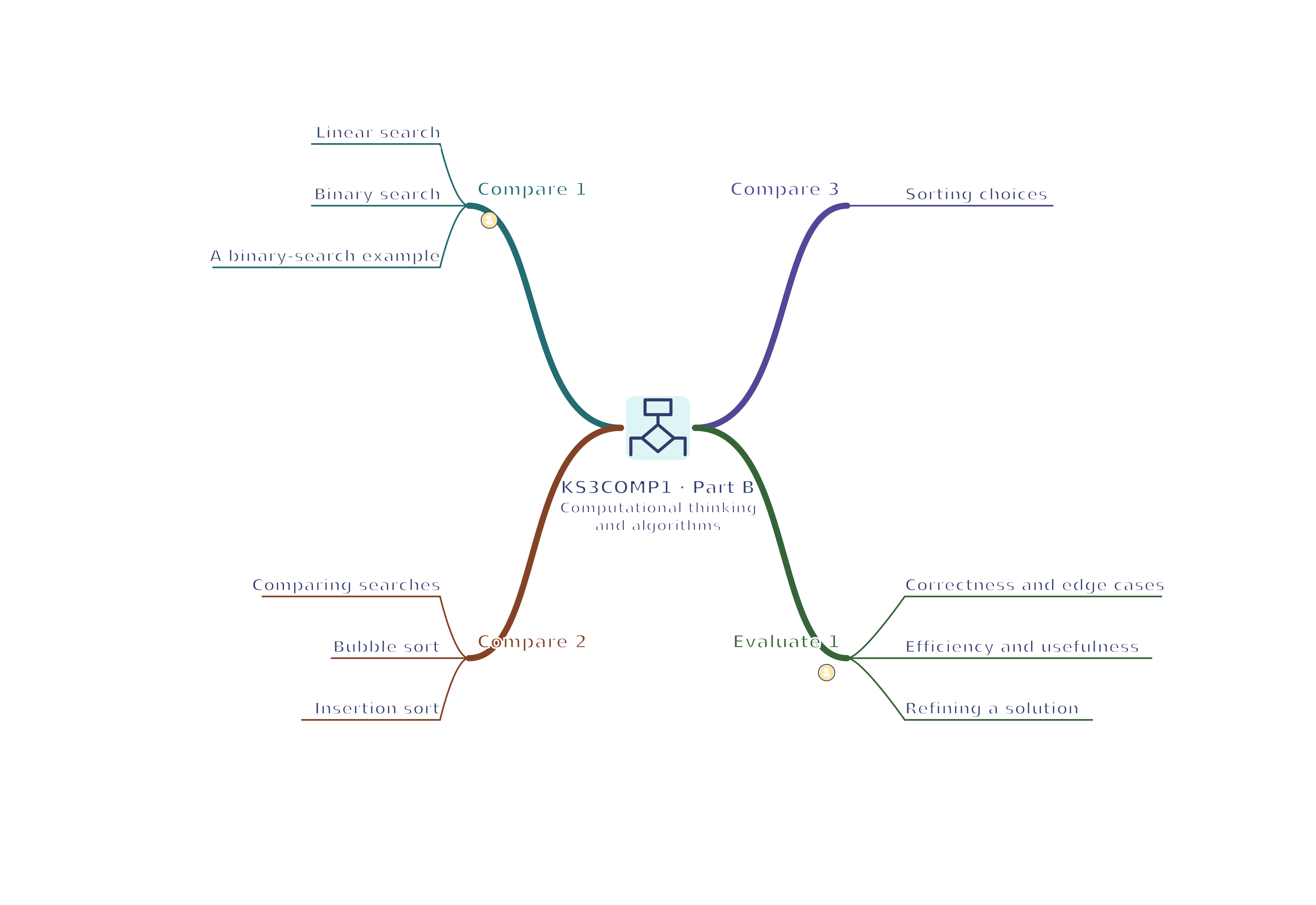
KS3COMP1 · 2 Computational thinking and algorithms mind map
Use your browser’s Print command for A4 landscape, or choose A3 in its paper settings. The SVG remains sharp when enlarged. A text version follows the map.
Read the mind map as text
Compare 1
Linear search: Check sequentially, including failure at the end
Binary search: Halve a range only when appropriately sorted
A binary-search example: 23 is found after comparing 12 then 23
Compare 2
Comparing searches: Compare preparation as well as search comparisons
Bubble sort: Repeated adjacent swaps can need several passes
Insertion sort: Insert into a growing sorted prefix
Compare 3
Sorting choices: Test mixed, ordered and reverse-ordered inputs
Evaluate 1
Correctness and edge cases: Empty, single, repeated and missing-target cases
Efficiency and usefulness: Correctness, resources, clarity and user needs
Refining a solution: Predict a cause, change it and retest