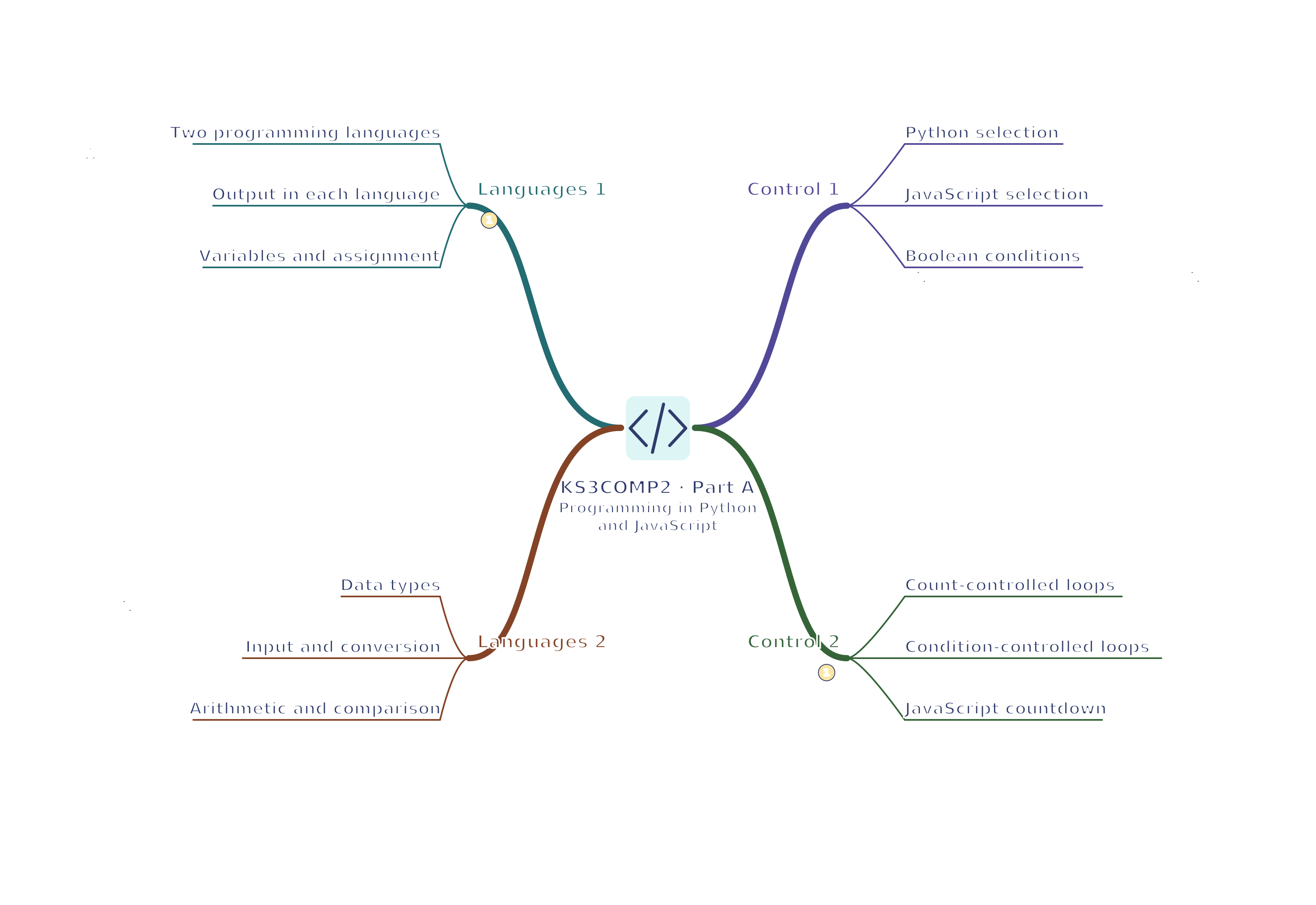
Two programming languages — Python and JavaScript are textual languages: you type instructions rather than join blocks. Python examples run in a Python 3 interpreter, software that runs Python instructions. JavaScript examples can run in a browser console, a tool for entering commands and viewing results, or another suitable environment. Use school-approved tools and fictional data. Practise writing, running and improving programs; recognising terms in a quiz is not enough.
Output in each language — Output communicates a result. Python uses print("Hello") and JavaScript can use console.log("Hello"). A string is text; quotation marks show where that text begins and ends. Both examples display Hello without the quotation marks. The functions have different names but perform a similar output task. Check results rather than assuming every Python and JavaScript expression behaves alike.
Variables and assignment — A variable associates a name with a value that can change. Python score = 4 assigns 4 to score; score = score + 1 replaces it with 5. JavaScript can use let score = 4; followed by score = score + 1;. Assignment is an action, not a mathematical claim that score always equals score plus one.
Data types — Integers represent whole numbers, floating-point values approximate many fractional numbers, strings hold text and Boolean values represent true or false. The text "12" is not automatically the number 12. Choose operations appropriate to the type and convert deliberately when needed. Different languages handle conversions differently, so inspect values and types when results are surprising.
Input and conversion — input() reads text. If you enter the fictional value 12, int() converts "12" to the whole number 12, age stores that number and print(age + 1) displays 13. Entering unsuitable text such as twelve would make this conversion fail. The example assumes valid whole-number text; a real application needs a planned response to invalid input. Use fictional ages.
age = int(input("Age in years: "))
print(age + 1)
Arithmetic and comparison — Arithmetic combines numbers; comparisons such as > and < ask questions and produce true or false. Python uses == to test equality; these JavaScript examples use ===, which checks equality without treating text and numbers as the same type. Assignment = stores a value instead. A boundary is an endpoint: score > 10 excludes 10, while score >= 10 includes it. Choose the test required by the task.
Decisions and repetition
Python selection — Python uses a colon and indentation to group the instructions inside each branch. This example prints one result depending on the value of score.
score = 7
if score >= 5:
    print("Pass")
else:
    print("Practise")
Test scores below, at and above 5. Removing indentation is not merely a change of visual style in Python.
JavaScript selection — JavaScript uses parentheses around the condition and braces to group branch instructions. The same threshold can be expressed as follows.
let score = 7;
if (score >= 5) {
  console.log("Pass");
} else {
  console.log("Practise");
}
Compare the outputs for the same test values in both languages rather than translating punctuation by guesswork.
Boolean conditions — AND needs both conditions to be true; OR needs at least one, including when both are true; NOT reverses true and false. Python writes and, or and not. JavaScript writes &&, || and !. An entry rule requiring both a ticket and a free place should refuse entry if either is missing. Test all four ticket/place combinations.
Count-controlled loops — A count-controlled loop repeats a known number of times. Python range(3) produces 0, 1 and 2, not 1, 2 and 3.
for i in range(3):
    print(i)
The corresponding JavaScript loop starts i at 0, repeats while i < 3 and increases i after each pass.
for (let i = 0; i < 3; i = i + 1) {
  console.log(i);
}
Condition-controlled loops — A while loop checks a condition before each repetition, so it can run zero times if the condition is false initially. Ensure the loop can make progress towards stopping.
This Python countdown prints 3, 2 and 1, then stops at 0. Omitting the update would prevent termination for this starting value.
JavaScript countdown — The same repeated decision can be implemented using braces and a Boolean comparison.
let count = 3;
while (count > 0) {
  console.log(count);
  count = count - 1;
}
Trace count before the test and after the update. Using count >= 0 would add an output of 0; the boundary is part of the requirement, not a minor stylistic detail.
Accumulators — An accumulator is a variable holding a running total. Initialising it means giving it a starting value: total = 0 goes before the loop. Adding 3, 5 and 2 changes total to 3, 8 and then 10, which the program outputs. Resetting it inside the loop would lose earlier additions. In JavaScript, use let total = 0; then visit array values with for...of and update the total before logging it.
total = 0
for value in [3, 5, 2]:
    total = total + value
print(total)
Collections and modular programs
Lists and arrays — A collection stores several related values under one name. Python lists and JavaScript arrays can hold a sequence such as [3, 5, 2]. In these languages the first position has index 0, so values[1] refers to the second item. Check collection length and bounds; a request beyond the end is not a valid way to find the last item.
Traversing a collection — A collection’s elements are its stored values; indices are their positions. For [3, 5, 2], the elements are 3, 5 and 2 and their indices are 0, 1 and 2. If positions are unnecessary, Python for value in values: and JavaScript for (const value of values) visit the values directly. Adding elements gives 10; adding these indices gives 3. Choose what the task requires.
Changing collections — A Python list can gain an item with values.append(9); a JavaScript array can use values.push(9). A program can also update a particular element. Explain whether the task requires changing the original collection or producing a separate result. Test repeated values and empty collections so an operation does not depend on a hidden assumption that at least one item exists.
Tables and related data — A record keeps related fields, named pieces of information, together. A fictional book record might contain title: River Maps, category: Geography and available: true. A table holds records in rows. Separate parallel lists for titles and availability can become mismatched if only one list is reordered. A list of records, or a structure containing other structures, can keep each book’s details together. Check field meanings, types and updates.
Functions and procedures — A subprogram is a named group of instructions that can be called again. Parameters receive information it needs; return sends a result back to the calling code. Printing only displays a value. Returning it lets the caller store it, compare it or use it in another calculation, as the next examples show. Modular design gives parts clear responsibilities and makes each easier to test.
Python parameters and return — In def double(price), price is the parameter: the name receiving an input. In double(6), 6 is the argument: the actual value supplied. The function calculates 6 * 2, returns 12, and answer stores that result. print(answer) displays 12. The short function illustrates passing and returning information; a real task also needs suitable names and input rules.
Both versions return 12 for 6. Test zero and other permitted inputs as well; matching one output is not enough to establish equivalent behaviour over the task's whole input range.
Scope and interfaces — Scope means where a program can use a particular name. A local variable inside a function is not automatically available elsewhere. Pass needed information through parameters and return a useful result. A function’s interface is its agreement with callers: what inputs it accepts, what it returns and anything it changes. For the existing double example, state the permitted number inputs and the expected doubled result, instead of relying on hidden information.
Errors, testing and projects
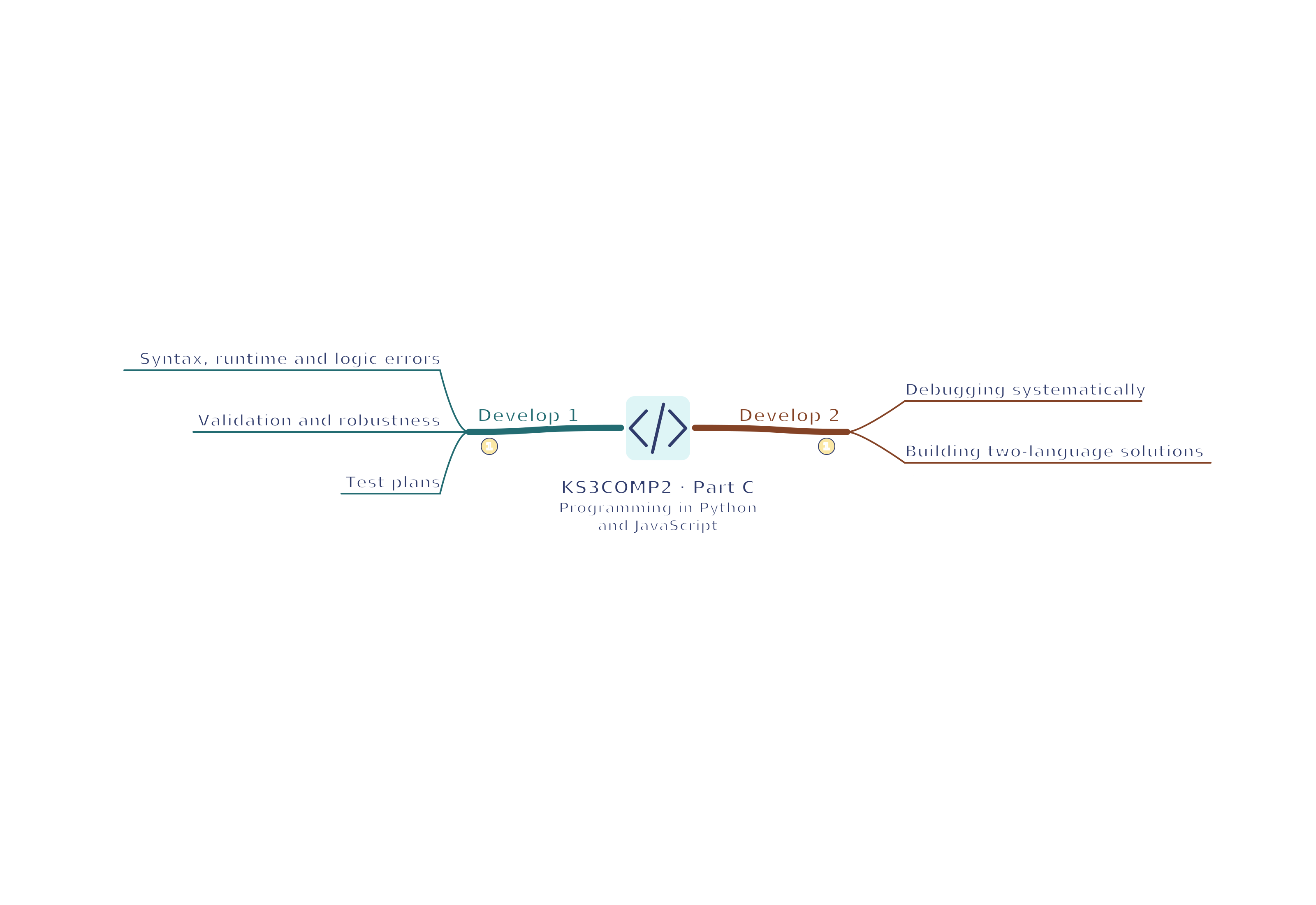
Syntax, runtime and logic errors — A syntax error violates language grammar, such as a missing Python colon. A runtime error occurs while executing, such as an invalid conversion. A logic error produces unintended behaviour even when the program runs, such as excluding the boundary value 5 from a pass rule. Error messages help locate symptoms; use tracing and reasoning to identify the cause.
Validation and robustness — Validation checks whether input follows rules, such as a whole-number score from 0 to 10. It cannot prove that a permitted value is truthful. Robustness means handling problems such as invalid or missing input in a planned way. Decide whether to explain the error, allow another attempt or stop safely; do not repeat forever. A demonstration with preset valid values does not yet show all these behaviours.
Test plans — Record each test's purpose, input, expected output, actual output and resulting change. Use typical, boundary and invalid cases: for a valid score range 0–10, consider 4, 0, 10, −1, 11 and unsuitable text. Invalid text may need handling before conversion. Choose tests from the requirement, not just from examples that the current code already passes.
Debugging systematically — Debug systematically: reproduce the fault, find the first unexpected value, suggest a cause and test one focused correction. Temporary outputs or a school-approved debugger can show what values the program holds. Rerun related tests, including tests that passed before. A regression is a new fault introduced into something that previously worked. Changing several lines at random makes causes and new problems harder to identify.
Building two-language solutions — Design a small quiz scorer or stock checker with inputs, a collection, selection, repetition and a reusable calculation. Implement it in Python and JavaScript, using fictional data and the same acceptance tests. Explain the language differences and compare usability and results. A copied snippet alone does not meet the requirement to solve a variety of problems through repeated practical programming.
Test yourself
50 questions · Random sets of 10. These quick checks support revision; practise longer explanations and justified judgements too.
Mind map
Use the branches to recall the ideas and explain their connections. Check the revision notes for the full detail.
KS3COMP2 · 1
View KS3COMP2 · 1 mind mapOpen the full-size map to zoom. Use the printable view for A4 landscape or enlarge to A3.
 Mr Kidman's Classroom